
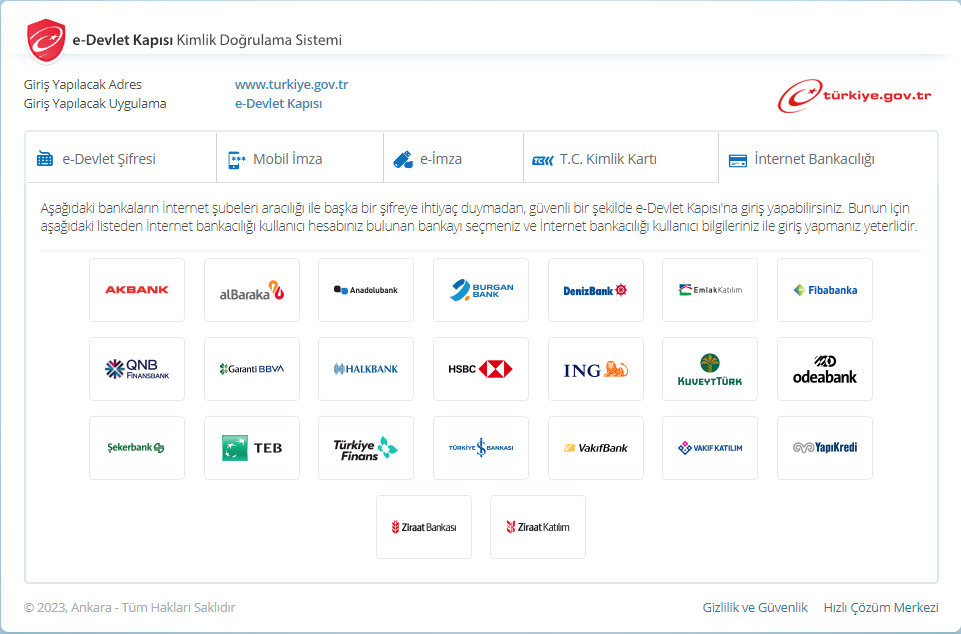
After subscribing via the application or our call centre, you need to sign your digital contract. To sign your digital contract, you need to log in to e-Staat via Internet Banking.
Login via e-Devlet with Bank Method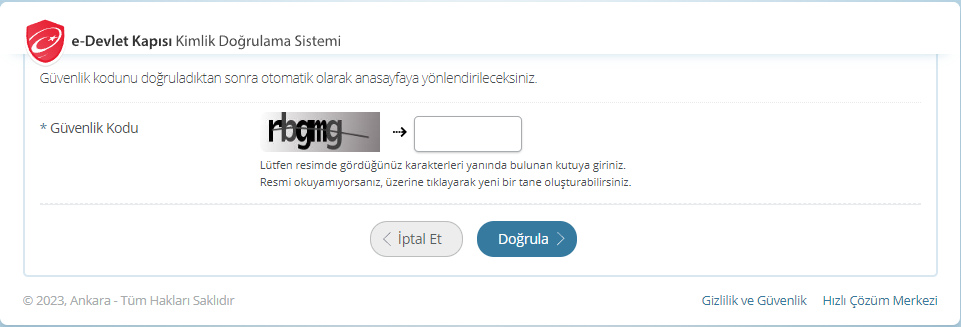
Type the security code given to you in the box on the page you will be redirected to and then click the ‘Verify’ button. This step will allow you to complete the security phase.
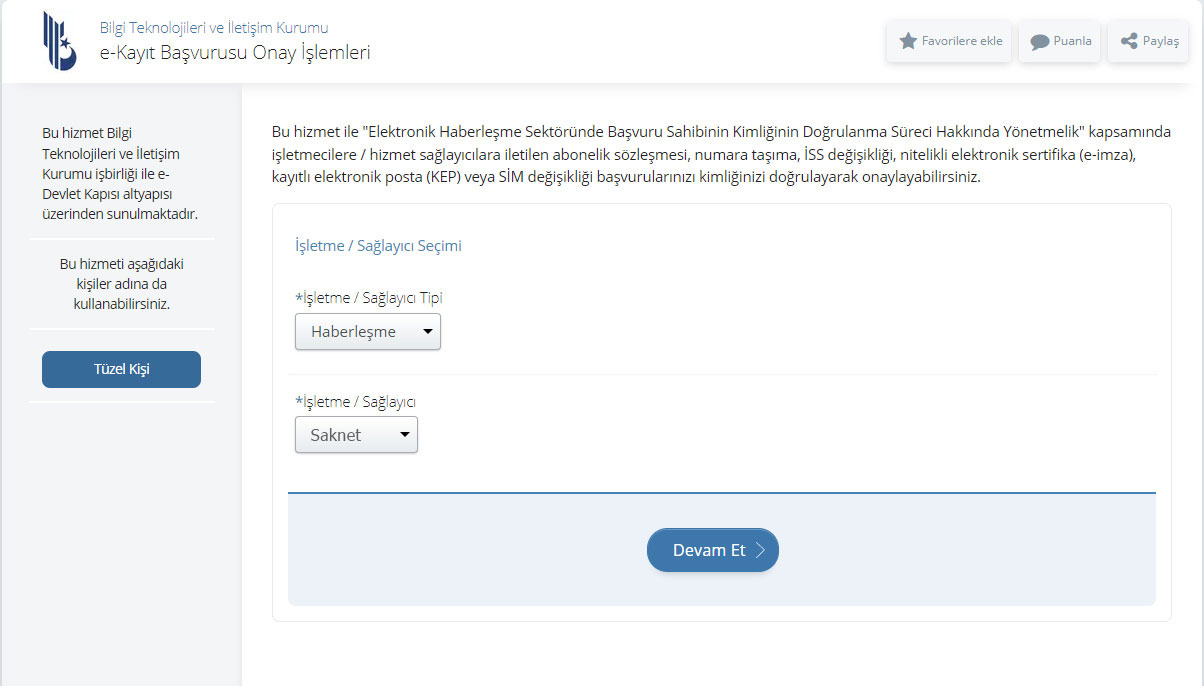
Click ‘ Communications’ in the Business/Provider Type field on the page you will be redirected to. Then select ‘Myfi’ in the Business/Provider field and click the ‘Continue’ button.
e-Devlet Contract Approval PageOn the page you will be redirected to, a screen listing your applications will be displayed. Check your application and click on the ‘Approve’ button next to the relevant application. This will redirect you to the application detail page before your application is approved. Check the required information on the application detail page and click the relevant button to give your final approval.
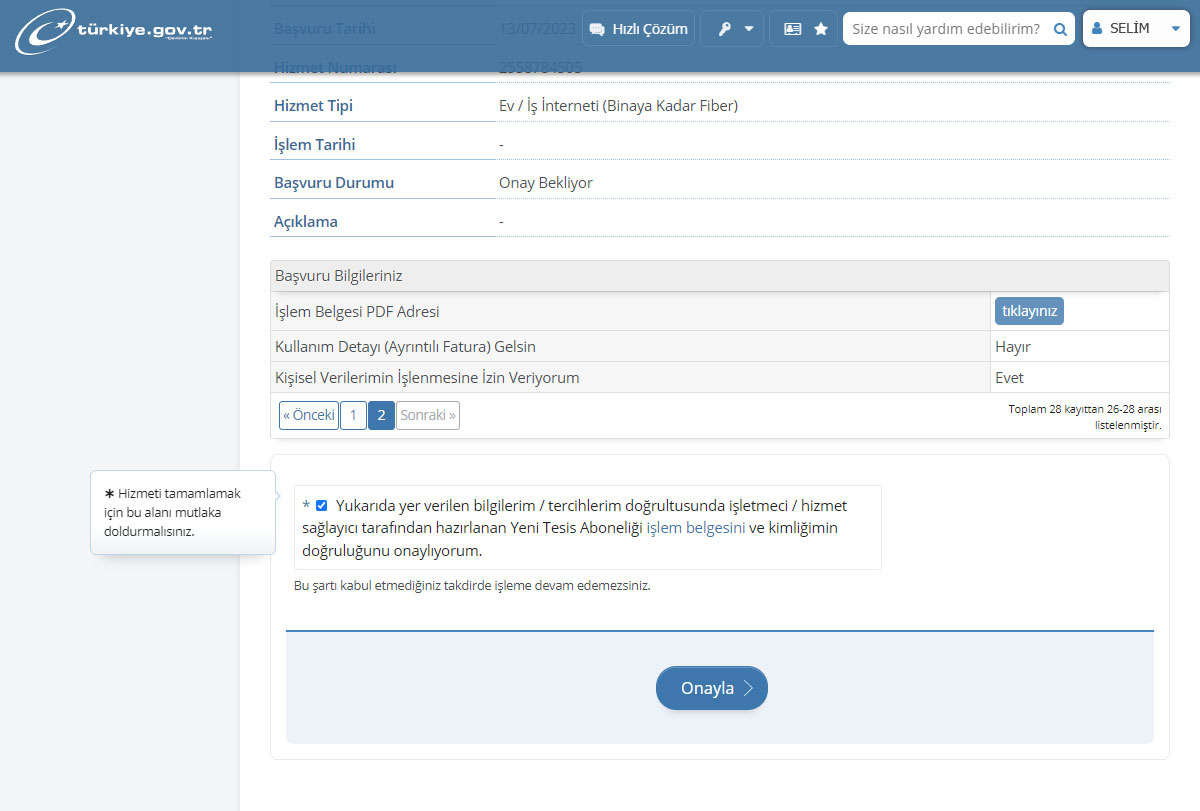
Finally, complete the process by entering your e-Government password to approve your application. After your application is successfully approved, you can subscribe to Myfi immediately and enjoy the internet.
How to Get an e-Devlet Password?
We provide service with authorized personnel who are experts in their field with years of experience.
 EN
EN
 TR
TR DE
DE RU
RU AR
AR FA
FA